OpenAI Codex Gets Chrome Extension: AI Agent Can Now Access Your Signed-In Accounts on LinkedIn, Salesforce, and Gmail
OpenAI launches Codex Chrome extension for signed-in browser tasks, enabling AI agent to access LinkedIn, Salesforce, Gmail, and internal tools using real user sessions.
OpenAI Launches Codex Chrome Extension – AI Agent Gains Access to Personal Accounts
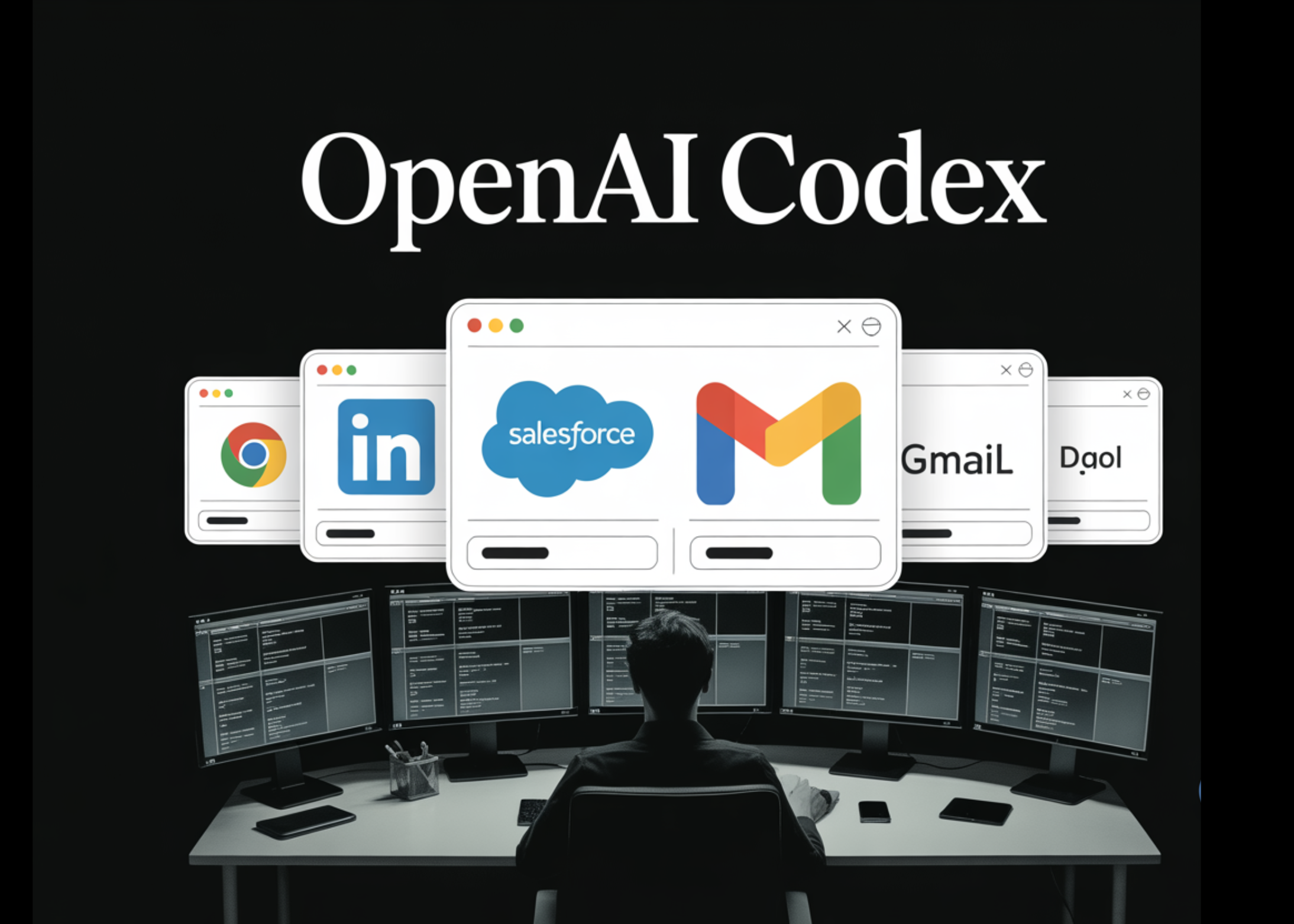
OpenAI has released a Chrome extension for its Codex AI agent, enabling it to operate directly within a user's signed-in browser sessions on platforms like LinkedIn, Salesforce, Gmail, and internal enterprise tools. The move marks a significant expansion in what the agent can accomplish autonomously, bridging a gap that previously required cumbersome integrations.
“This is a game-changer for enterprise productivity,” said Dr. Amelia Torres, a senior AI researcher at the Future Work Institute. “Codex can now handle tasks that require actual logged-in contexts, like pulling sales data from Salesforce or drafting replies in Gmail, without users having to pre-configure special plugins.”
How the Extension Works
Before this release, Codex had two primary ways to interact with web services: an in-app sandboxed browser and dedicated plugins for services like GitHub, Slack, Figma, and Notion. The new Chrome extension fills a critical gap: tasks that require a user's real, signed-in browser state and cookies.
The extension allows Codex to use Chrome for browser-based tasks that demand authentication. It is designed for sites that require login, such as LinkedIn, Salesforce, Gmail, or internal corporate portals. For everything else—local development servers, file previews, or public pages that don't need sign-in—Codex continues to use its in-app browser, keeping sensitive work isolated from the user's Chrome profile.
Three-Tiered System for Task Execution
Codex now operates across three distinct tool tiers depending on the task: plugins when a dedicated integration is available, Chrome when logged-in browser context is needed, and the in-app browser for localhost and public pages. The agent selects the best tier automatically, but users can also invoke Chrome directly using the @Chrome mention syntax. For example: @Chrome open Salesforce and update the account from these call notes. If Chrome isn't open, Codex can launch it.
“The automatic tier selection is key,” explained James Whitfield, a product manager at OpenAI. “It means users don't have to think about which tool to use – Codex just picks the right one, and the new Chrome extension ensures it can handle authenticated tasks seamlessly.”
What the Extension Can Do
Functionally, the extension enables several new browser-based capabilities: testing web applications, gathering context from multiple open tabs, and using Chrome DevTools in parallel while the user works on something else. Critically, Codex operates in task-specific tab groups, so it can collect information and perform actions without taking over a user's active browsing session.

Installation and Use
The extension is available for both Mac and PC from the Chrome Web Store. Once installed, users can start using Codex immediately with their signed-in accounts. No additional configuration is required beyond standard Chrome permissions.
Background
Codex is OpenAI's AI agent designed to automate complex, multi-step tasks in a software development and workflow context. Originally launched with a desktop app and a growing library of plugins, Codex struggled with tasks requiring authenticated web sessions. The Chrome extension directly addresses that limitation, following a trend where most users after the launch of “Computer Use” preferred working in a browser.
The release comes as enterprises increasingly look for ways to deploy AI agents that can interact with existing software stacks without major overhauls. By supporting signed-in browser states, Codex can now mimic human actions on platforms that lack API access or have restrictive authentication policies.
What This Means
The Chrome extension effectively turns Codex into a more capable virtual assistant that can manage routine web-based work across multiple logged-in accounts. For professionals, this means less time switching between tabs and manually copying data. For IT departments, it reduces the need to build custom integrations for every internal tool.
“This is a step toward AI agents that can truly operate in the environment their human counterparts do,” said Dr. Torres. “The next frontier will be ensuring those agents are secure and respect privacy boundaries, but the technology is now clearly ready for prime time.”
With the extension live, OpenAI is also expected to soon release additional features like session management and audit logs, further cementing Codex as a key player in the AI agent space.